ProcessorIntel Core i5 2300 or AMD FX 8300 or higher
GraphicsNVIDIA 780GTX or AMD Radeon 7850 3GB
Memory8 GB RAM
Disk space40 GB available space Additional Notes: Click here to test requirements
SystemWindows
Description
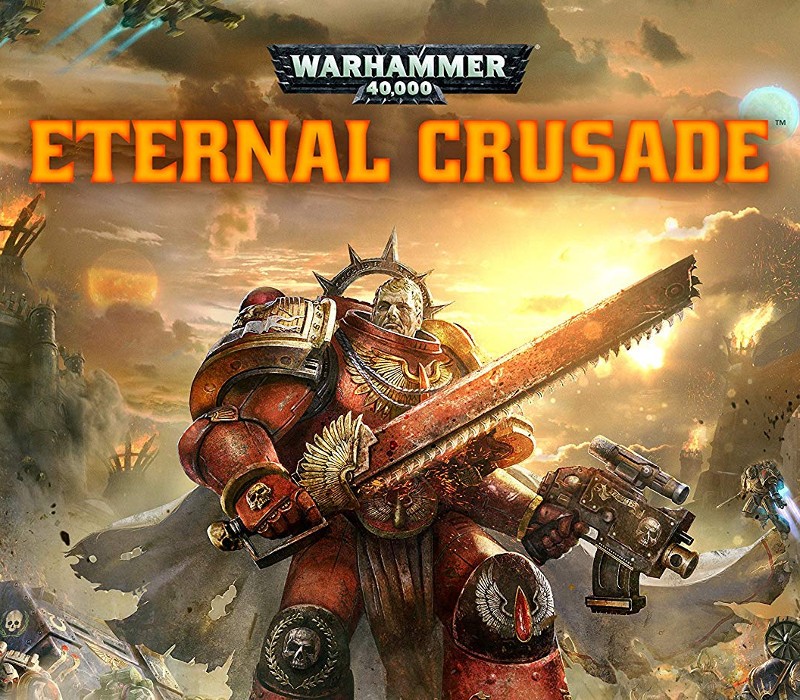
Ever felt like you were born 39 millennia too early and might be the wrong species? Your sanctuary is here. Join the Eldar, Orks, Chaos or Space Marines, in the fiercest and most authentic Warhammer 40, 000 battles ever realized in a massive online 3rd person shooter, earn hundreds of weapons and accessories drawn from 29 years of Warhammer 40, 000 lore to customize and improve your characters in a deep progression system and craft your perfect warrior. Free expansions and updates ensure that the world evolves, new content gets added that everyone has access to, so you and your friends can enjoy the total and merciless carnage.Engage in melee, take to the air with a jump pack or fire into the fray from one of the turrets of a fully armed Predator tank. Combat in Eternal Crusade ranges from a personal clashing of Chainswords to truly epic warfare.Whether you’re in 60-player PVP or 5-player PVE, your squad must work together side-by-side or face death as you defend strongholds, or delve into the Underworld to cooperatively combat alien hordes of Tyranids.
Activation Details:
Go to: http://store.steampowered.com/ and download STEAM client Click “Install Steam” (from the upper right corner) Install and start application, login with your Account name and Password (create one if you don’t have). Please follow these instructions to activate a new retail purchase on Steam: Launch Steam and log into your Steam account. Click the Games Menu. Choose Activate a Product on Steam… Follow the onscreen instructions to complete the process. After successful code verification go to the “MY GAMES” tab and start downloading.
Create an account
See order history, get a game library and check out faster