ProcessorIntel Core2 Duo E8200 2.66 GHz or AMD Phenom X3 8750 2.4 GHz
GraphicsNvidia GeForce 8800GT 512 MB or ATI Radeon HD 3870 512 MB DirectX®: 9.0c
Memory2 GB for 32-bit OS or 4 GB for 64-bit OS
Disk space16 GB HD space
SystemWindows
Description
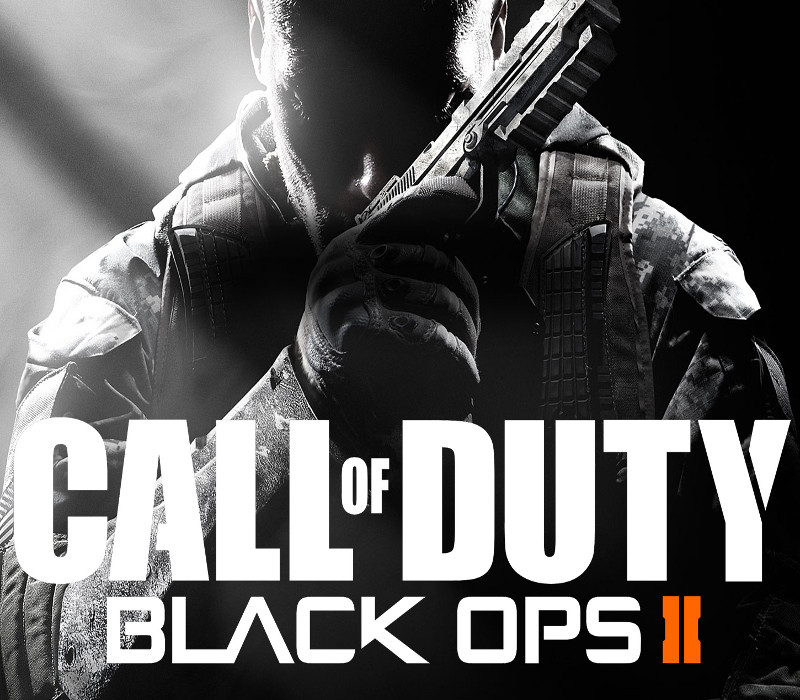
The Call of Duty: Black Ops II Digital Deluxe Edition includes an exclusive cache of digital content. With it, you’ll be poised to take your game to the next level. Pushing the boundaries of what fans have come to expect from the record-setting entertainment franchise, Call of Duty®: Black Ops II propels players into a near future, 21st Century Cold War, where technology and weapons have converged to create a new generation of warfare. NOTE: Call of Duty®: Black Ops II Digital Deluxe Edition owners should NOT purchase the Nuketown Zombies map individually, as this content is included as part of the Digital Deluxe Edition. Features Nuketown Zombies Bonus Map – Battle hordes of Zombies in this beloved 1960s nuclear neighborhood. Nuketown 2025 Bonus Map – Relive the close quarters chaos of this classic fan-favorite map re-imagined in a 1960s visionary depiction of the “model home of the future.” Weapon Camo – Rank-up in style with an exclusive multiplayer weapon skin. (2) Player Card Backgrounds – Liven up any killcam with two exclusive player card backgrounds, inspired by Nuketown 2025 and Zombies. Official Call of Duty®: Black Ops II Soundtrack – A digital copy of composer Jack Wall’s epic in-game score with Theme by Trent Reznor. Call of Duty®: World at War Download Token – A bonus digital copy of a Treyarch classic, which traverses WWII storylines from the Pacific and European theaters of war.
Activation Details
“Please remember that we are NOT responsible for any problems that may arise from purchasing and using Steam Gifts. You are doing it at your own risk. “Please note, that due to recent Valve Steam Gift policy update Steam Gifts for games that are covered by VAC ban program can no longer be added to Inventory. Make sure that you are logged in to the proper account before entering the link as Steam Gifts can be only added to your library or rejected. How do I use a Steam gift given to me? If you do not already have Steam, download and install Steam here. Once you have Steam installed, you will be prompted to create an account or login to an existing Steam account. If you do not have an account, please create one. You will receive an e-mail containing a link that will open Steam allowing you to redeem your gift. After clicking the link, you will receive a notification at the top right corner in the Steam client informing that you have a new gift.
Create an account
See order history, get a game library and check out faster